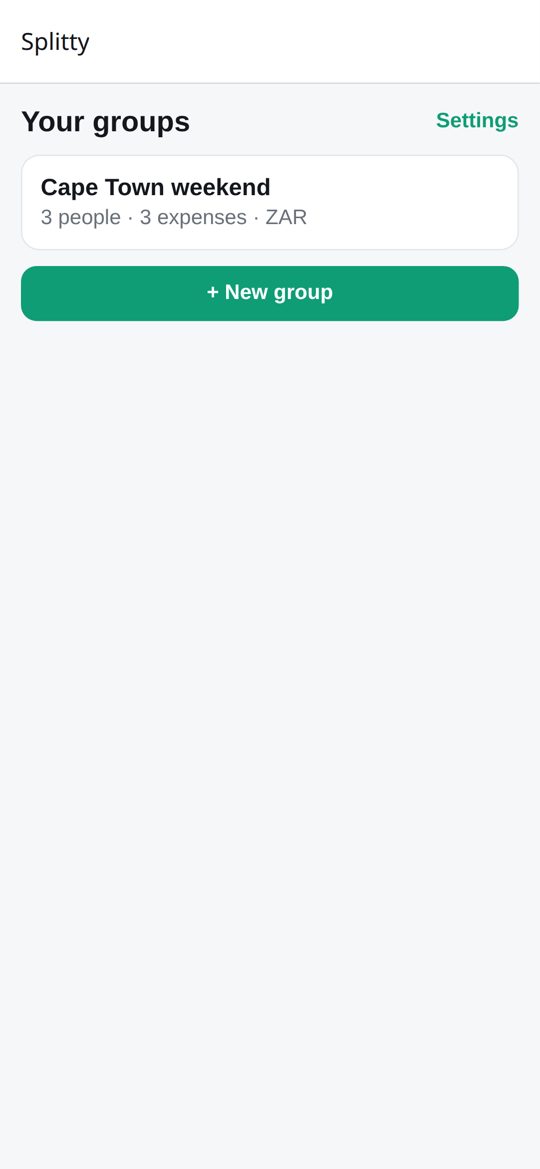
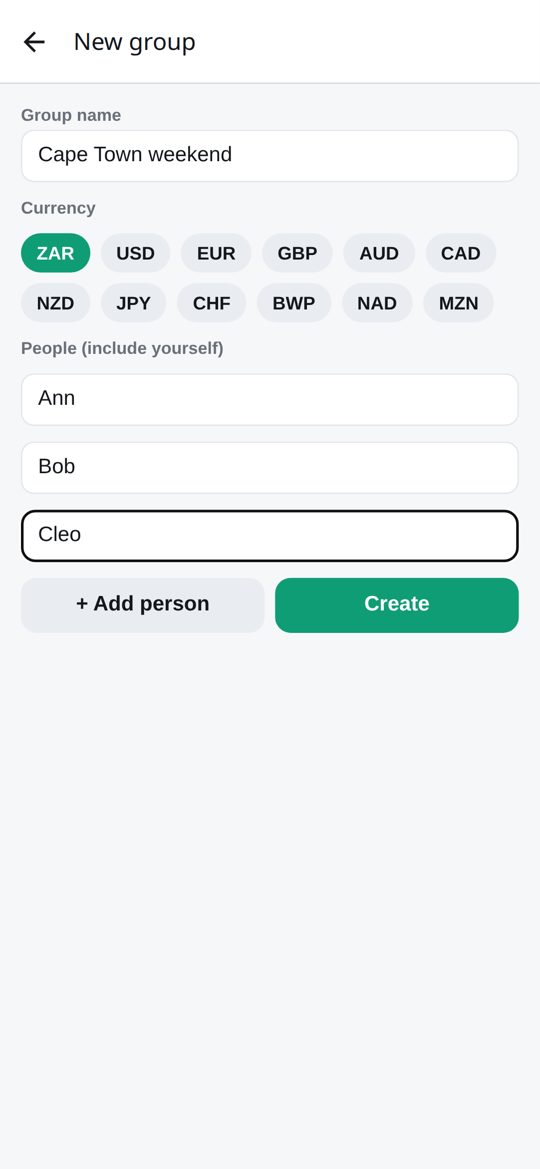
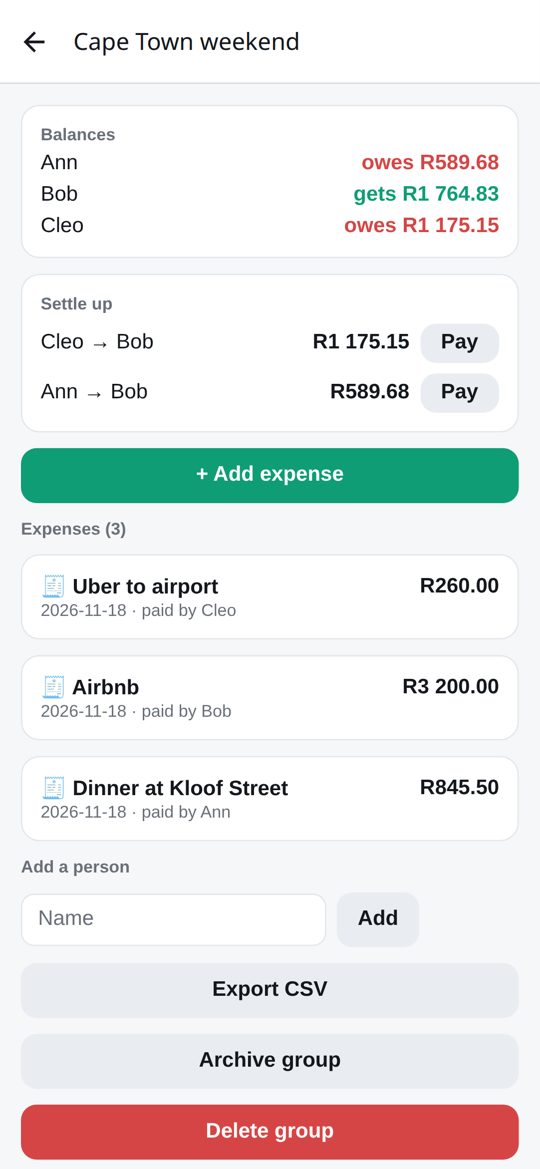
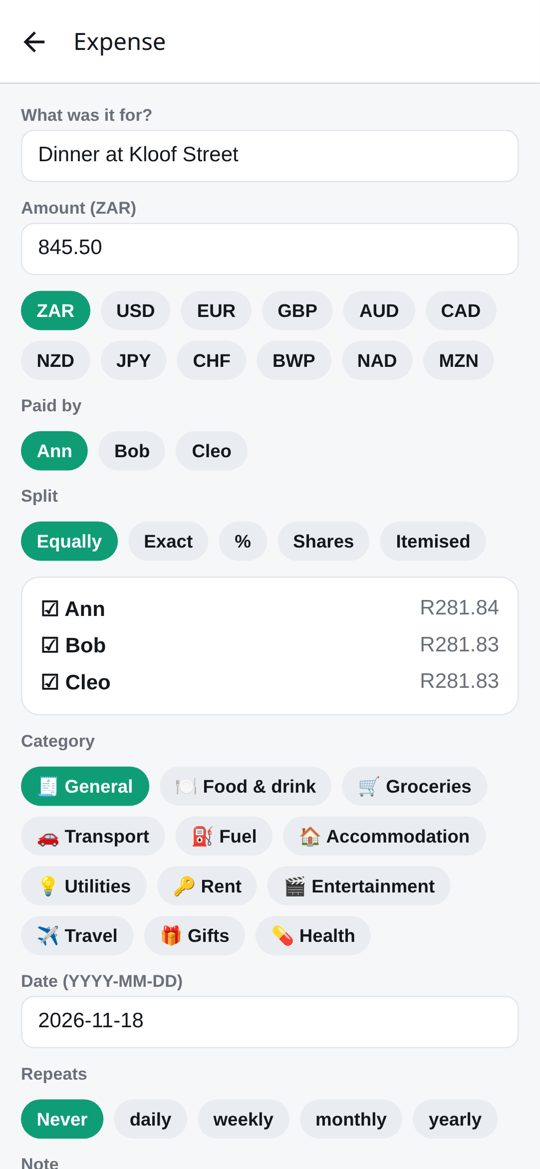
 SplittyInstallVersionsSuggestionsOpen web app
Install Splitty
Free, and it takes about a minute. Pick your phone.
🤖
Android
Download the app file and open it.
- Tap the button and open the downloaded splitty.apk.
- If Android asks, allow installs from your browser (one-time).
- Tap Install, then open Splitty.
🍎
iPhone
Add it to your Home Screen. It then behaves like an app.
- Open splitty.tenkodigital.com/app in Safari.
- Tap the Share button.
- Choose Add to Home Screen, then Add.
💻
Browser
Nothing to install. Works on any phone or computer, and keeps your data in that browser.
Chrome and Edge also offer "Install app" in the address bar menu.
Is it safe?
The Android file is signed by Tenko Digital and installs outside the Play Store, which is why Android shows a one-time prompt. Splitty has no account, no ads and no trackers. Read the privacy policy. Already installed? Settings, then Check for updates.